 Service Notifications
 My Downloads
 Blog
Blog
 AI
AI PSD
PSD INDD
INDD CDR
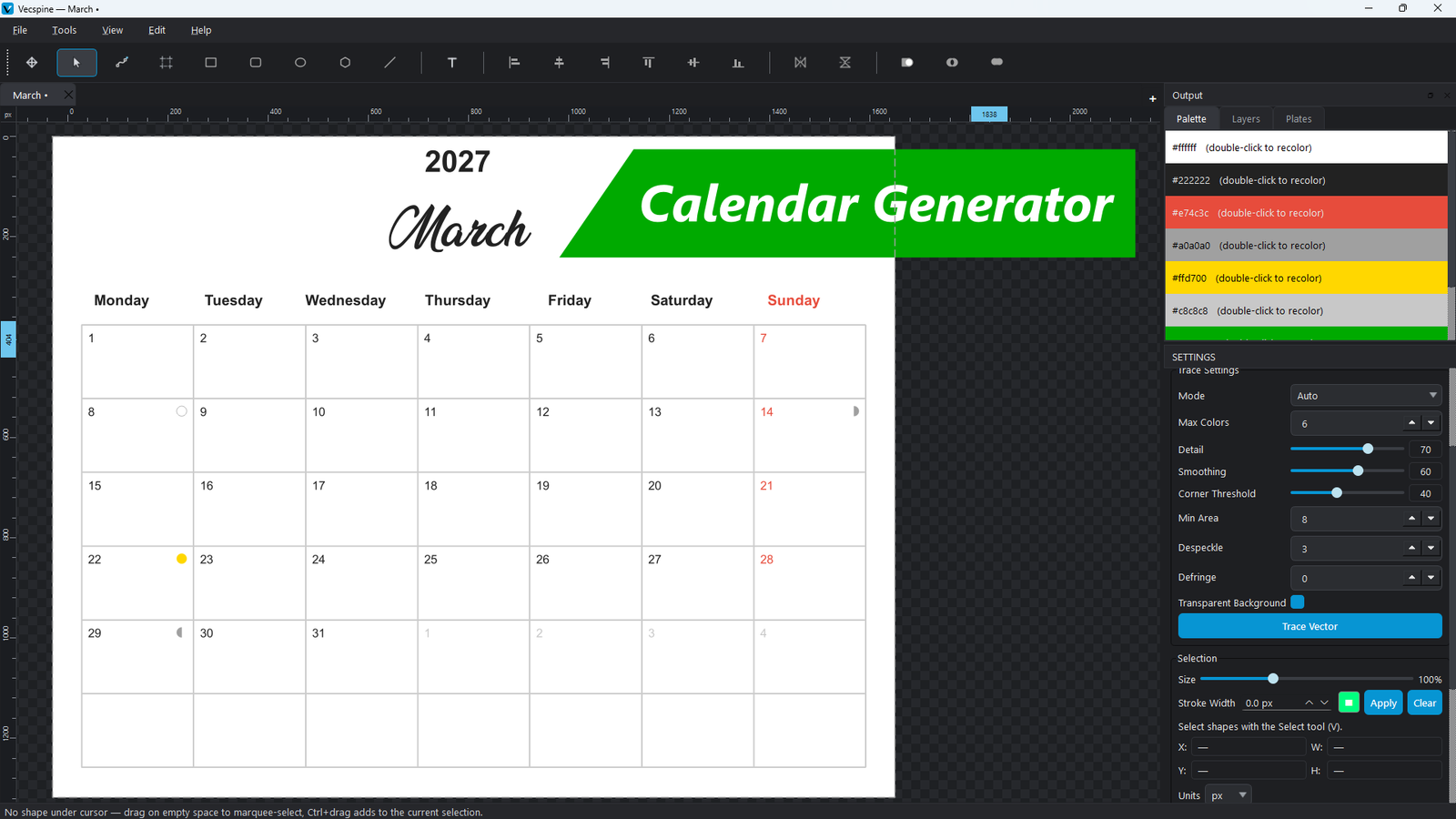
CDR VSP
VSP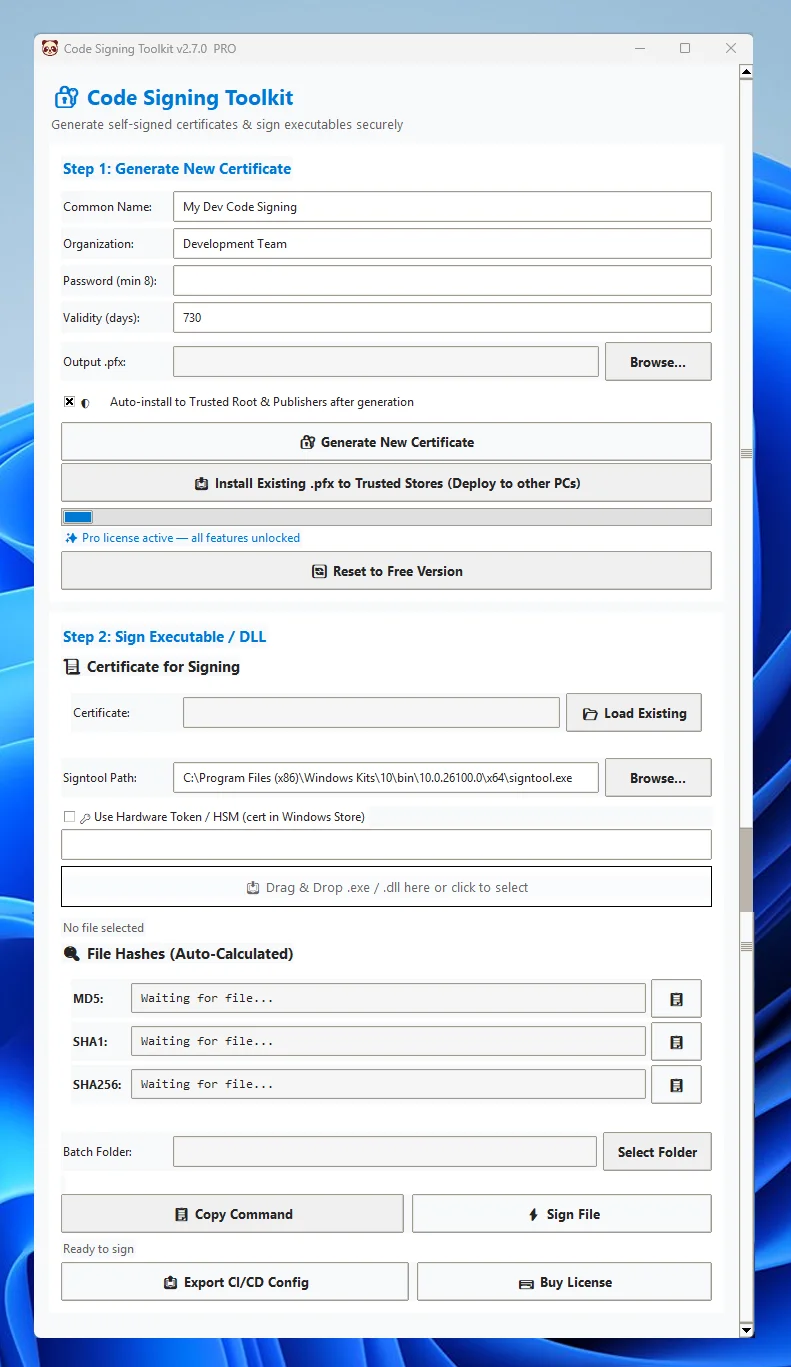
Get Code Signing Toolkit License
Price range: $29 through $59
Generate self-signed certificates, batch sign Windows executables, and export CI/CD pipelines.
What Next After the Purchase?
Q: Can I use Code Signing Toolkit for public software distribution?
A: The Free tier generates self-signed certificates for development and internal use only. Public distribution requires a certificate from a trusted CA (DigiCert, Sectigo, etc.). Pro users can export CA-ready pipelines and integrate hardware tokens for production signing.
A: The Free tier generates self-signed certificates for development and internal use only. Public distribution requires a certificate from a trusted CA (DigiCert, Sectigo, etc.). Pro users can export CA-ready pipelines and integrate hardware tokens for production signing.
Q: Does it work offline?
A: Yes. Code Signing Toolkit runs entirely locally. No telemetry, no cloud API calls, and no internet required for certificate generation or signing.
A: Yes. Code Signing Toolkit runs entirely locally. No telemetry, no cloud API calls, and no internet required for certificate generation or signing.
Q: How do I sign multiple DLLs or EXEs at once?
A: Use the Pro feature Batch Signing. Select a folder, and the toolkit will automatically locate and sign all supported binaries with RFC 3161 timestamping.
A: Use the Pro feature Batch Signing. Select a folder, and the toolkit will automatically locate and sign all supported binaries with RFC 3161 timestamping.
Q: Is it compatible with YubiKey or Smart Cards?
A: Absolutely. Toggle “Use Hardware Token / HSM” and enter your certificate’s SHA1 thumbprint. The app routes signing through Windows CryptoAPI/CNG providers.
A: Absolutely. Toggle “Use Hardware Token / HSM” and enter your certificate’s SHA1 thumbprint. The app routes signing through Windows CryptoAPI/CNG providers.
| License Type | Pro License, Team License |
|---|
Related products

Price range: $29 through $99
This product has multiple variants. The options may be chosen on the product page 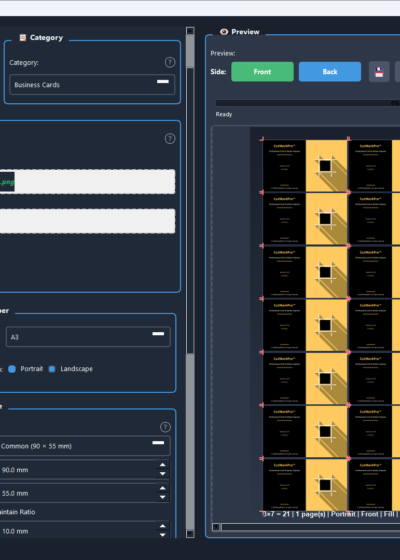
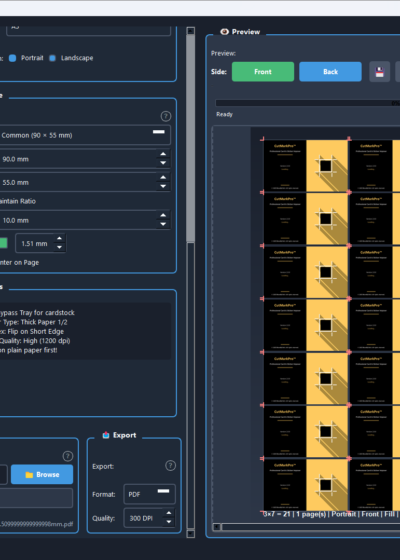
Price range: $20 through $50
This product has multiple variants. The options may be chosen on the product page