 Service Notifications
 My Downloads
 Blog
Blog
 AI
AI PSD
PSD INDD
INDD CDR
CDRDesign Guide
Portfolio Mistakes Designers Make That Cost Them Clients (How to Fix Them)
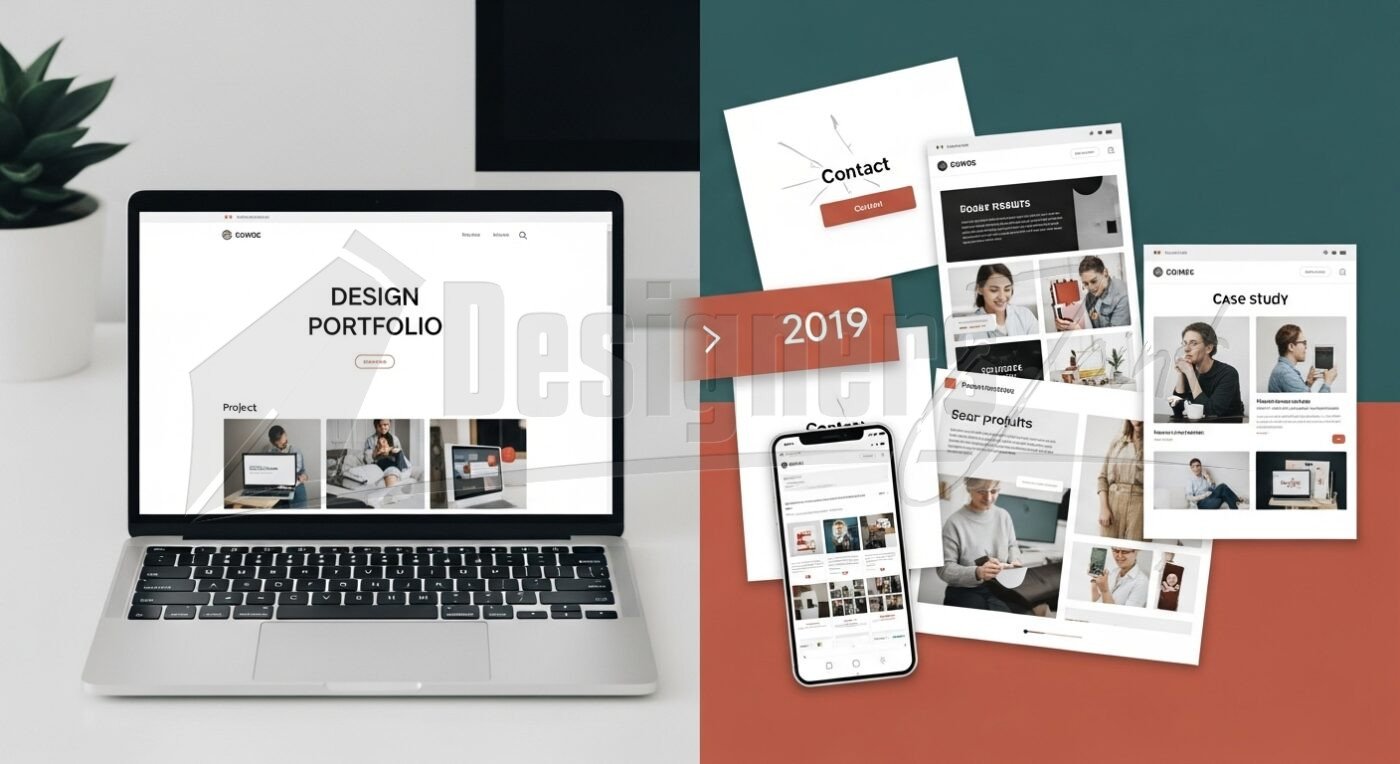
Portfolio Mistakes Designers Make That Cost Them Clients: Let’s be honest: your portfolio isn’t just a gallery of your best work—it’s your silent salesperson, your first impression, and often the deciding factor between landing a dream client or watching them walk away. I’ve been in the design industry for over 15 years—freelancing, leading creative teams, mentoring junior designers—and I’ve seen countless talented creatives lose opportunities not because their work was bad, but because their portfolio sabotaged them before they even got a chance to speak.
I once had a designer send me their portfolio after we’d discussed a high-budget branding project. The work was stunning—clean typography, thoughtful color palettes, smart user flows. But the portfolio itself? A chaotic mess of inconsistent case studies, broken links, and no clear contact info. I didn’t even make it to the third project before closing the tab. It wasn’t personal. It just screamed “unprofessional.”
If you’re putting hours into perfecting your designs but skimping on how you present them, you’re leaving money—and clients—on the table. In this article, I’ll walk you through the most common portfolio mistakes designers make that cost them clients, based on real-world experience and hard-won lessons. By the end, you’ll know exactly what to fix (and where to start).
1. Showing Work Without Context
One of the biggest errors I see? Designers dump final visuals onto a page with zero explanation. A beautiful logo, a slick app interface, or a bold poster might look great—but if I don’t understand why it exists, what problem it solved, or how you contributed, it’s just decoration.
Clients don’t hire aesthetics—they hire problem-solvers. They want to know you can think strategically, not just make things pretty.
Fix it: Treat every project like a mini case study. Briefly explain:
- The client’s challenge or goal
- Your role in the process
- Key decisions you made (and why)
- The outcome (e.g., “Increased user sign-ups by 40%”)
Even if you’re showcasing personal projects, frame them with intent. Say, “This rebrand explores how minimalist design can convey trust in fintech”—that shows depth.
2. Including Too Much (or the Wrong) Work
More isn’t better. I’ve reviewed portfolios with 30+ projects spanning logos, packaging, UI, motion graphics, and even t-shirt designs. It felt scattered, not versatile. It made me wonder: What do you actually specialize in? Can you go deep, or just wide?
Worse yet are portfolios that include outdated, low-effort, or irrelevant work just to “fill space.” One designer showed me a high school flyer from 2012 alongside recent SaaS dashboards. It diluted their credibility.
Fix it: Curate ruthlessly. Only show your absolute best 5–8 projects that align with the type of clients you want. If you’re targeting tech startups, don’t lead with wedding invitations—even if you love them. Save those for a separate personal site or Behance backup.
Quality over quantity always wins. A tight, focused portfolio signals confidence and clarity.
3. Ignoring Mobile Experience
Here’s a hard truth: if your portfolio doesn’t load fast or look clean on a phone, half your potential clients have already bounced. I’ve lost count of how many portfolios I’ve tried to view on mobile only to find tiny text, unclickable buttons, or images that never load.
Remember: hiring managers scroll during commutes. Creative directors check portfolios between meetings. If your site frustrates them, they’ll assume your client work will be equally frustrating.
Fix it: Test your portfolio on multiple devices. Use simple navigation, legible fonts, and compressed images. Tools like Google’s PageSpeed Insights can help spot performance issues. And if coding isn’t your strength, consider using a reliable template from a trusted source like designersjoint.com, where you can download clean, responsive portfolio templates designed specifically for creatives.
4. Making It Hard to Contact You
This sounds basic, but you’d be shocked how often it happens. No email? Buried contact form? LinkedIn-only outreach? I once saw a portfolio with a gorgeous “Hire Me” button… that led to an Instagram DM. Not ideal for B2B clients.
If someone loves your work but can’t easily reach you, they’ll move on—fast. Time is money, and friction kills deals.
Fix it: Put your contact info in the header and footer. Include a direct email (not just a form). Add a short, friendly call-to-action like “Have a project in mind? Let’s chat at hello@yourname.com.” Make it effortless.
Bonus tip: Add a one-sentence bio near your contact info that states what you do and who you help (e.g., “I help eco-brands build memorable identities that convert”). Clarity builds trust.
5. Skipping the “About” Section (or Making It Generic)
Your portfolio isn’t just about what you’ve done—it’s about who you are. Yet so many designers either skip the About page entirely or fill it with fluff like “I’m passionate about design and coffee.”
Yawn.
Clients want to know if you’re someone they can collaborate with. Are you strategic? Reliable? Do you understand their industry?
Fix it: Write a human, specific About section. Share your philosophy, your process, or even a short story about why you got into design. Mention industries you’ve worked in or values you care about (e.g., sustainability, accessibility, user empathy). This isn’t about sounding impressive—it’s about building connection.
I once won a long-term client because my About page mentioned my background in education—and they were launching a learning platform. That tiny detail created instant rapport.
6. Using Outdated or Overly Trendy Design
Design trends come and go faster than TikTok dances. Remember skeuomorphism? Flat design? Glassmorphism? What looks cutting-edge today might feel dated in 18 months.
But the opposite is just as dangerous: playing it too safe with a generic, templated look that blends into the crowd. Your portfolio should reflect your unique voice—not look like every other Dribbble shot.
Fix it: Aim for timeless over trendy. Focus on strong typography, intentional whitespace, and consistent visual language. If you’re not confident building from scratch, invest in a well-crafted template. Sites like designersjoint.com offer professionally designed, customizable portfolio templates that balance personality with professionalism—without requiring weeks of dev time.
Remember: your portfolio is a reflection of your taste. Make sure it says “expert,” not “experiment.”
7. Not Updating Regularly
A stagnant portfolio signals stagnation in your skills. If your latest project is from two years ago, clients will assume you’re either not working—or not growing.
I’ve turned down designers whose work looked great… but all from 2021. In our fast-moving field, that’s ancient history.
Fix it: Treat your portfolio like a living document. Add new projects quarterly, even if they’re small. Refresh old case studies with better writing or updated results. Remove anything that no longer represents your current level.
Set a calendar reminder: “Portfolio Check-In – First Monday of Every Quarter.” It takes 30 minutes and pays off in credibility.
Final Thought: Your Portfolio Is a Promise
Every element—from your project selection to your footer font—communicates what it’s like to work with you. Don’t let avoidable portfolio mistakes designers make that cost them clients stand between you and your next big opportunity.
Take an honest look at your site today. Ask: “Does this make someone want to hire me—or just admire me?” There’s a big difference.
And if you’re short on time or coding confidence, don’t DIY yourself into obscurity. Platforms like designersjoint.com exist so you can focus on your craft while still presenting like a pro. Their templates are built by designers, for designers—clean, functional, and ready to customize.
Now go fix that portfolio. Your future clients are waiting.
FAQs
Q1: How many projects should I include in my design portfolio?
A: Aim for 5–8 strong, relevant projects. Quality and relevance matter far more than quantity.
Q2: Should I include personal projects in my professional portfolio?
A: Yes—if they demonstrate skills relevant to your target clients and are presented with clear context (problem, process, outcome).
Q3: Is it okay to use a portfolio template instead of coding my own site?
A: Absolutely. Many top designers use templates to save time and ensure reliability. Just customize it enough to reflect your style. Sites like designersjoint.com offer high-quality options.
Q4: How often should I update my portfolio?
A: At least every 3–6 months. Add new work, refresh old case studies, and remove anything that no longer represents your best.
Q5: What’s the biggest red flag in a designer’s portfolio?
A: Lack of context. Beautiful visuals without explanation of the problem, your role, or the results tell clients very little about your actual value.