 Service Notifications
 My Downloads
 Blog
Blog
 AI
AI PSD
PSD INDD
INDD CDR
CDR VSP
VSPDesign Guide
Best Calendar Generator 2027 – Vecspine: Sell Etsy Templates Fast
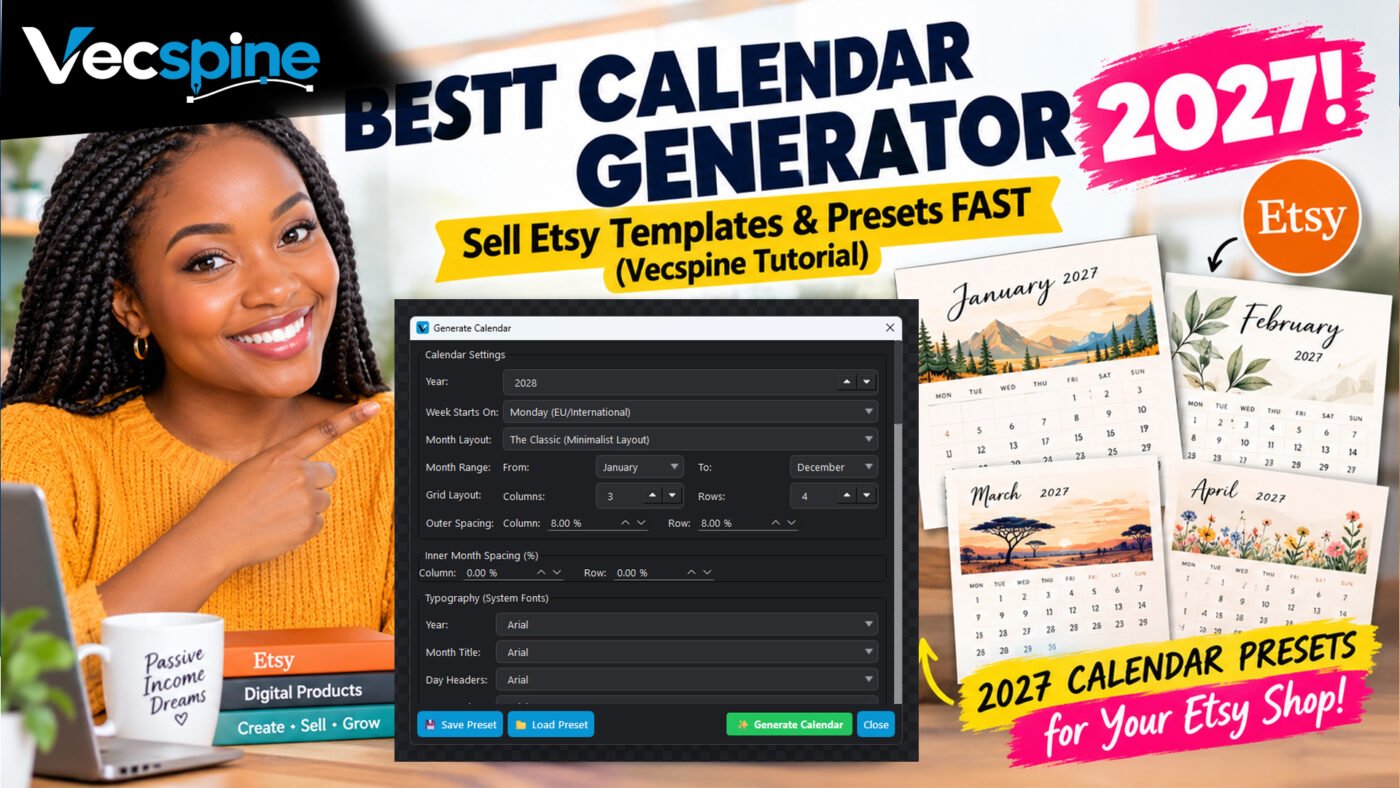
Why the Best Calendar Generator – Vecspine is Changing How I Design for Etsy
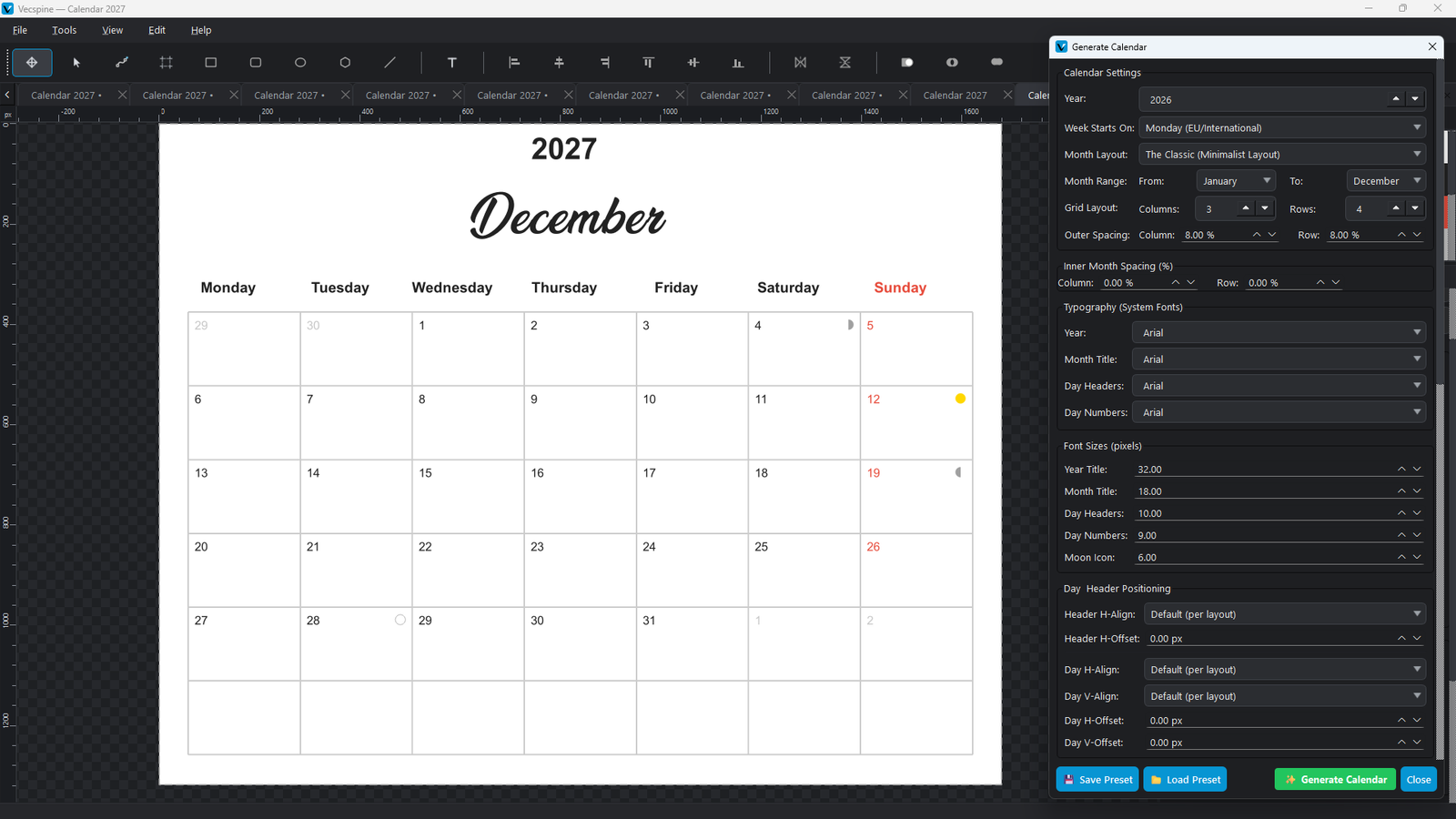
Why Most Calendar Tools Fall Short (And How Vecspine Fixes It)
This is where the Best Calendar Generator – Vecspine completely changes the game. It bridges the gap between automated convenience and professional vector output. When I first opened the calendar dialog in Vecspine, I expected a basic grid tool. Instead, I found a deeply customizable engine that outputs pure SVG (Scalable Vector Graphics).
The Magic of Presets: Design Once, Generate All Year
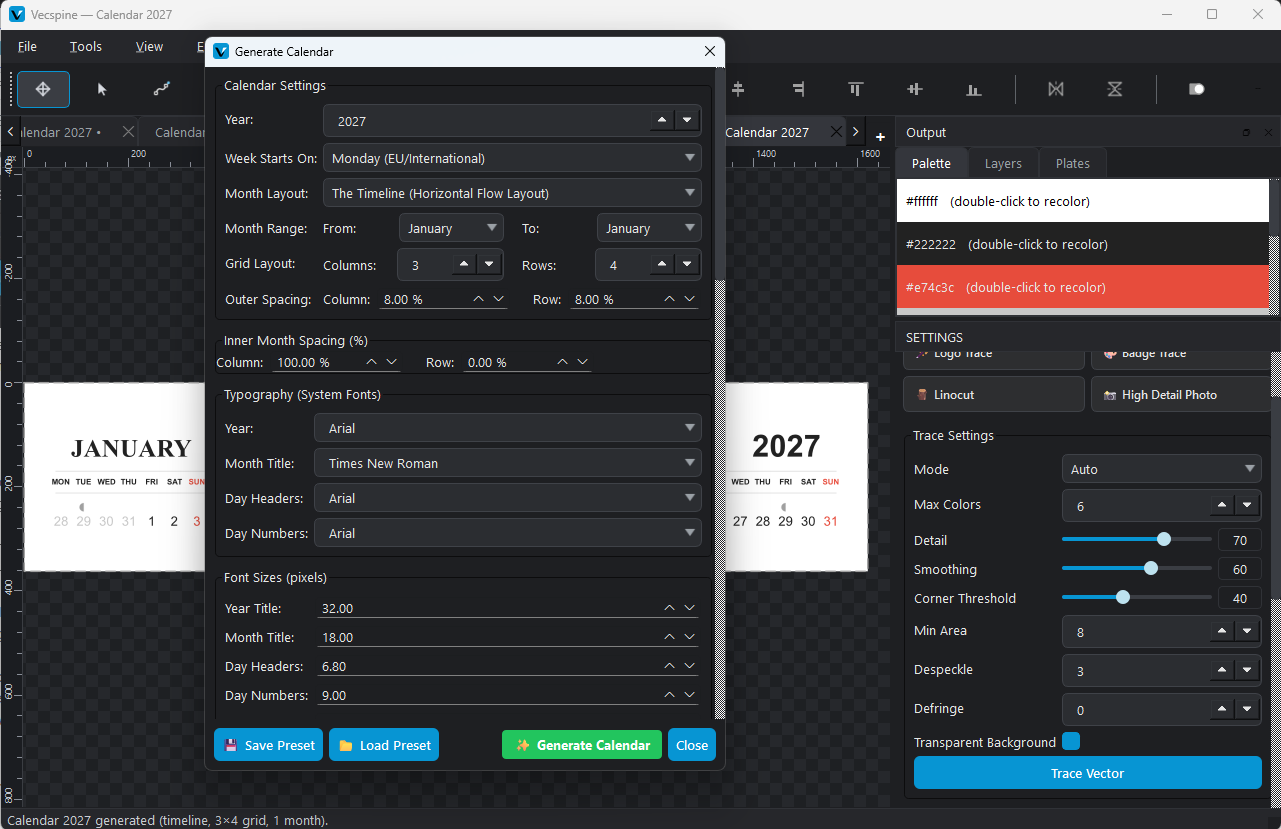
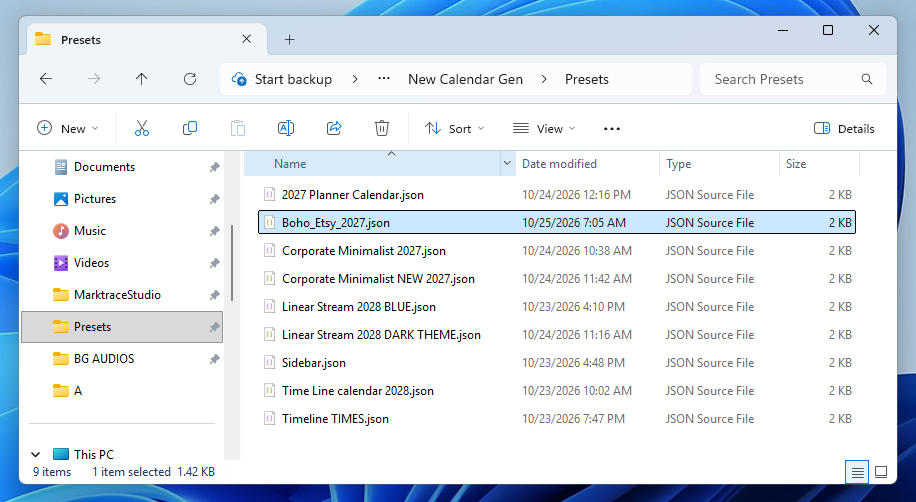
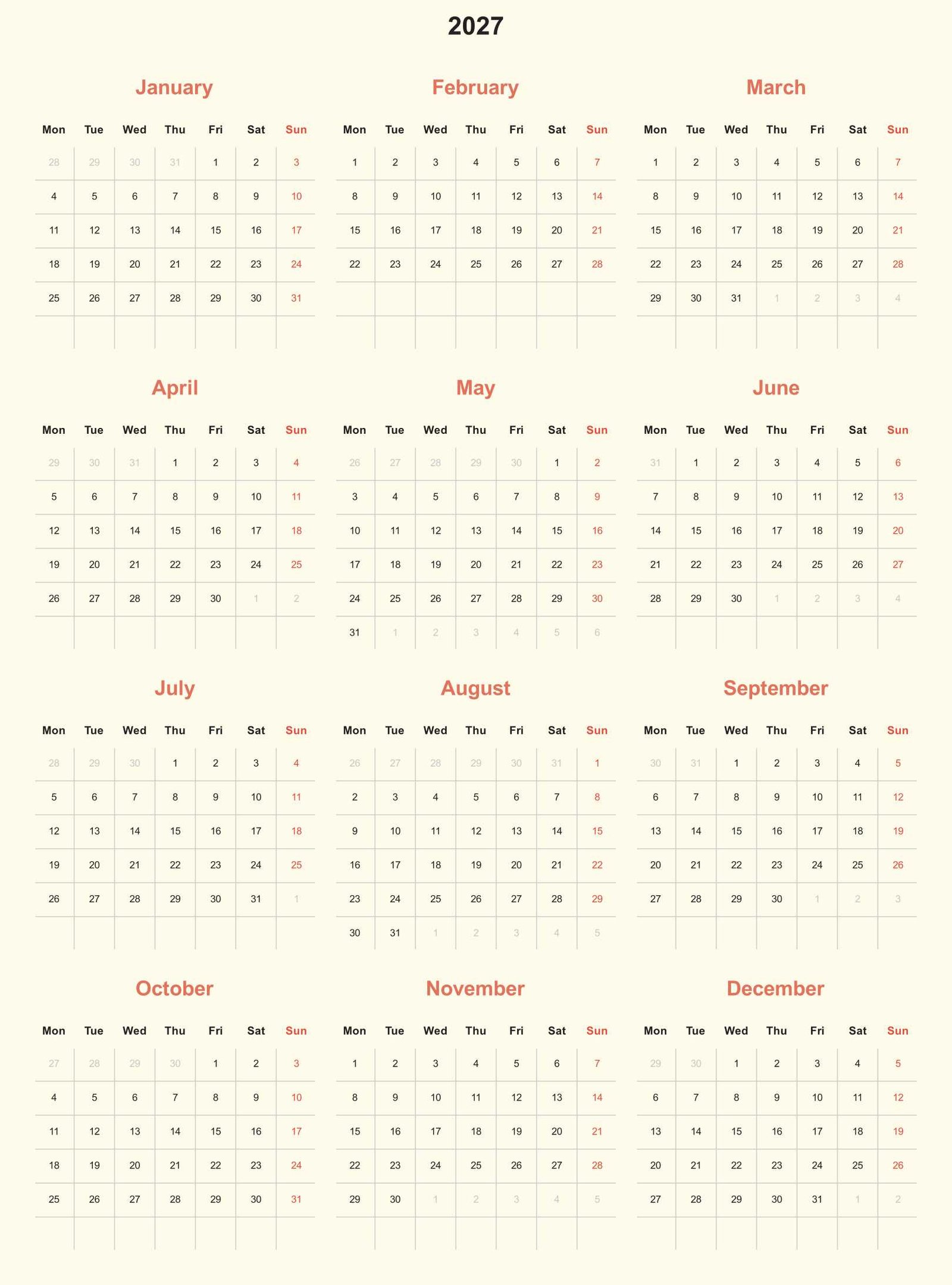
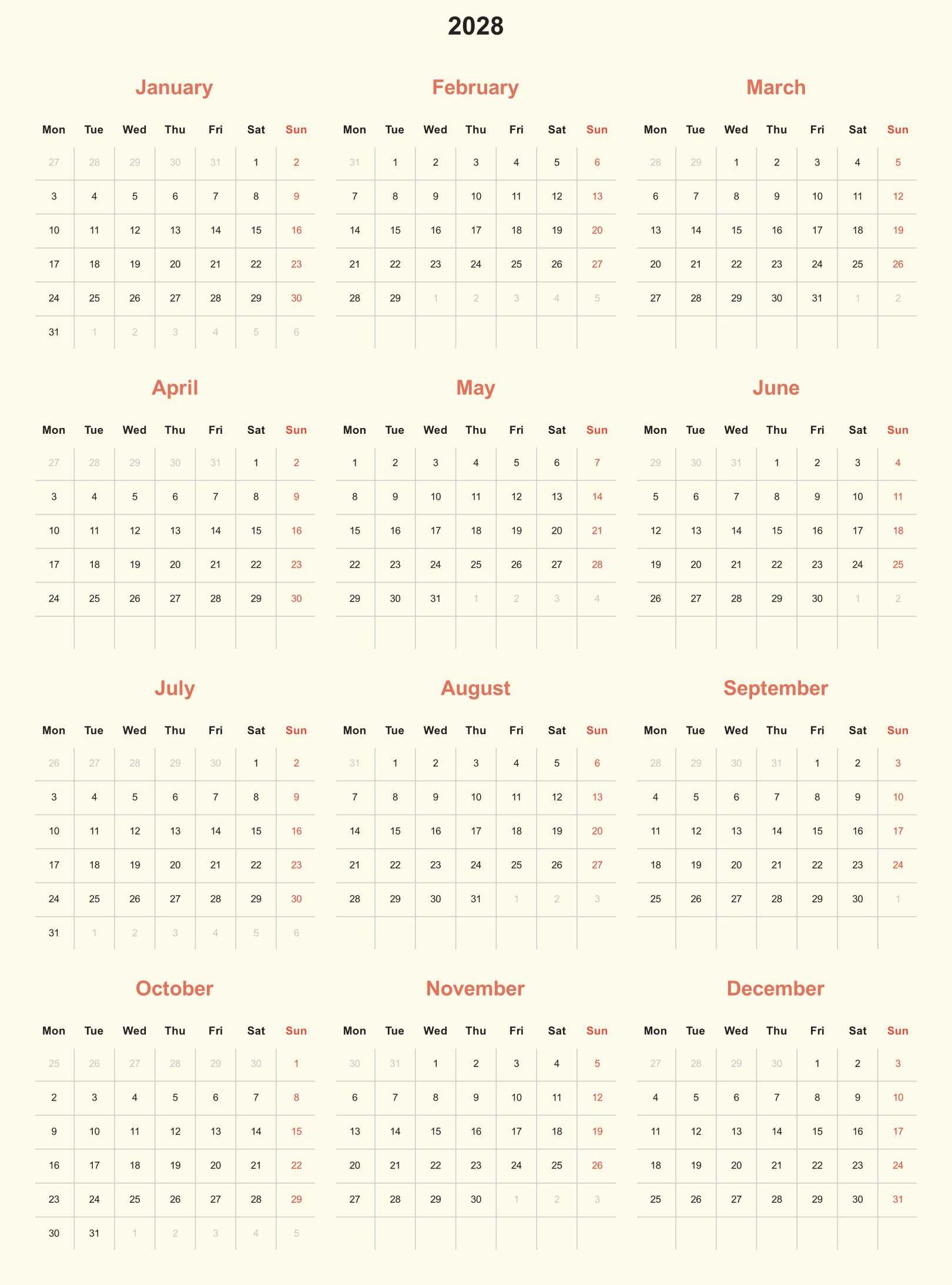
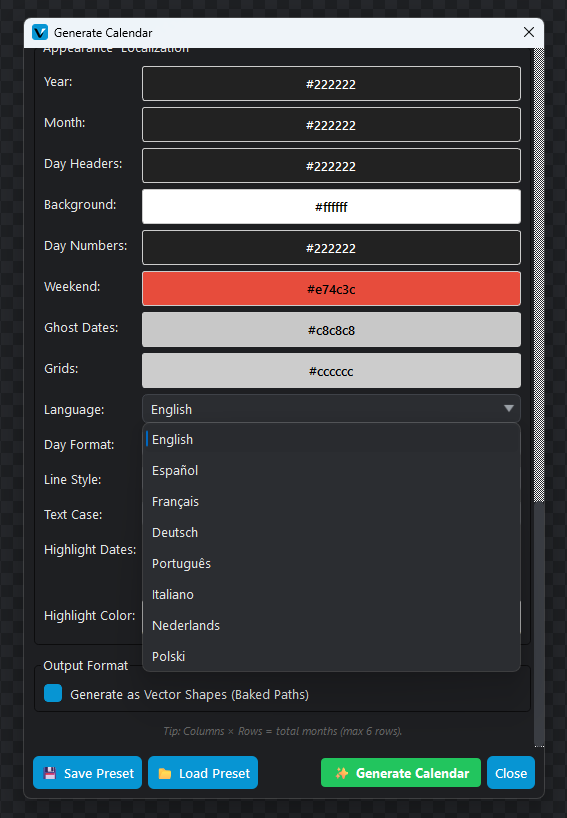
Let me give you a real-world example. I created a preset called “Boho_Etsy_2027.json”. In this preset, I set the background to a warm cream color, the month titles to a terracotta orange, and the day headers to a dark charcoal. I also set the inner spacing to 8% to give the days a nice, airy feel.
Customization That Actually Makes Sense
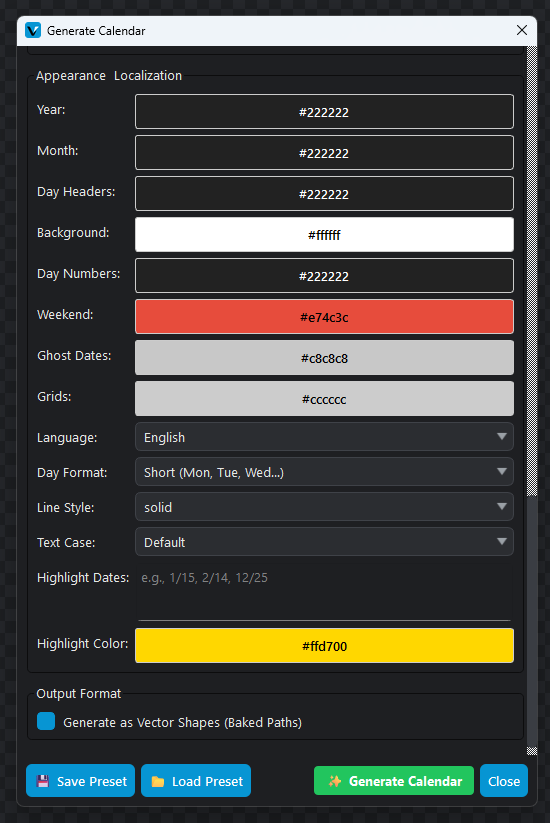
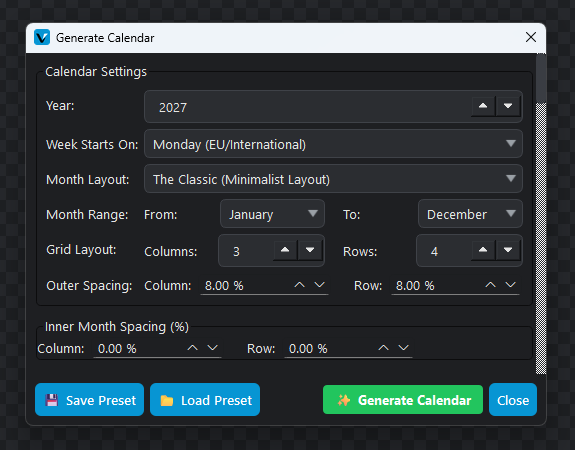
You can also tweak the outer and inner spacing using percentages. If you want a tight, compact calendar that fits a lot of information, you drop the inner spacing to 0%. If you want a spacious, modern look, you bump it up to 10% or 15%. Having this level of control means you aren’t just making “a calendar”; you are making a calendar that perfectly fits your specific brand aesthetic.
Niche Features: Moon Phases, Ghost Dates, and Localization
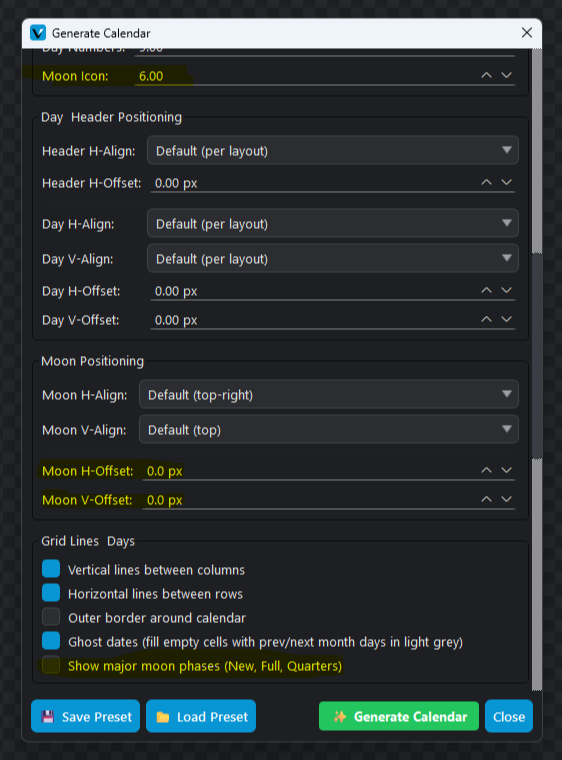
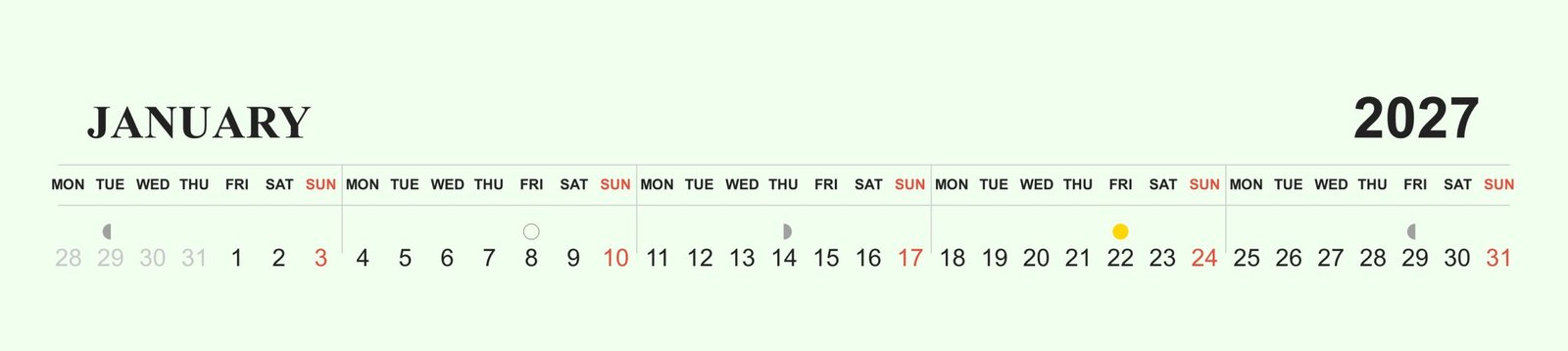
First, there is the Moon Phase feature. I have a friend who sells lunar planting calendars to gardeners. She used to have to manually look up the exact dates of the new and full moons and draw little circles on her designs. With Vecspine, you just check a box that says “Show major moon phases,” and the software automatically calculates and places the New, Full, and Quarter moons in the correct day cells.
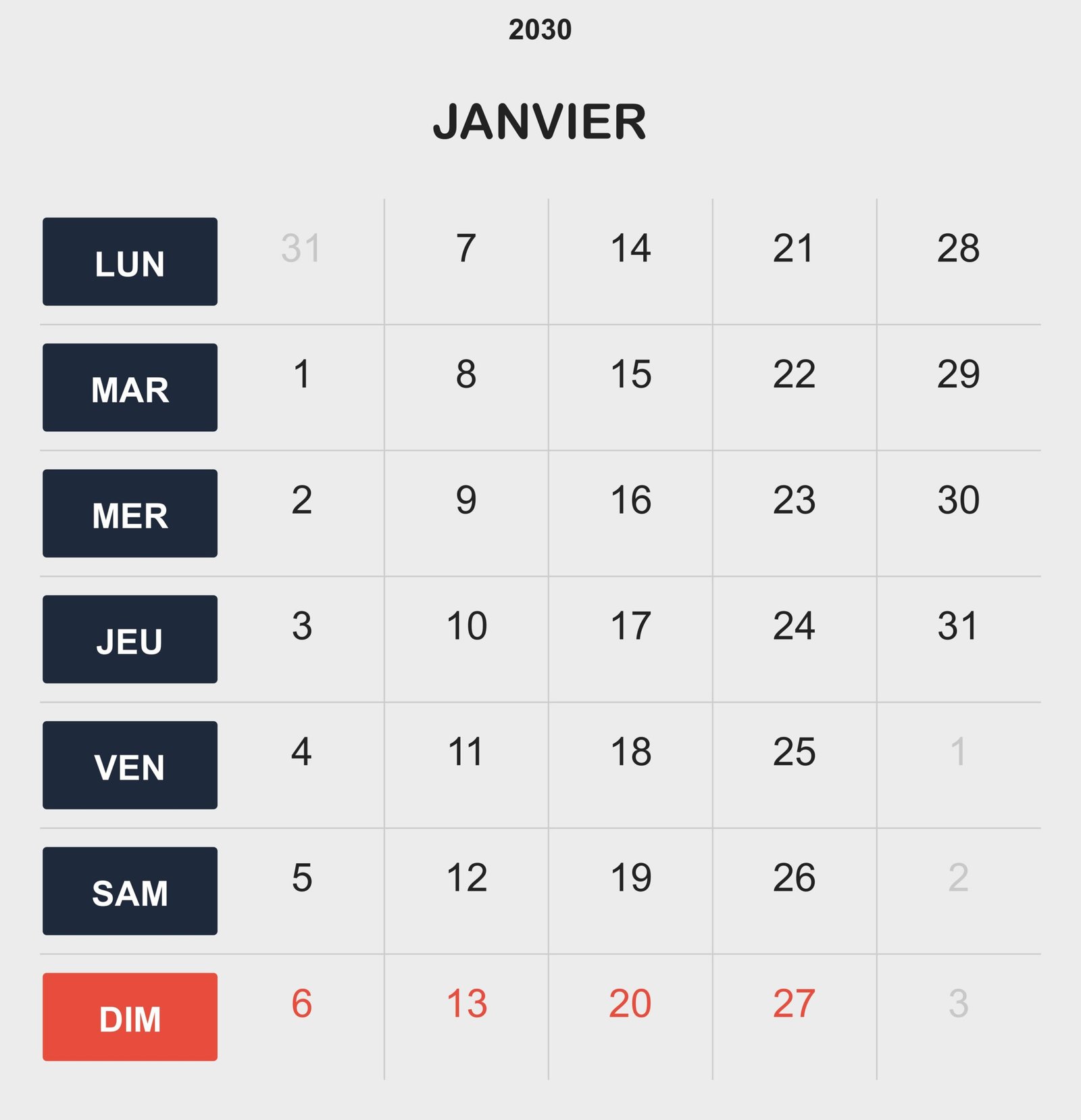
A Real-World Workflow: From Blank Screen to Etsy Listing
To show you how fast this actually is, let’s walk through my exact workflow for creating a new quarterly calendar listing.